How to play
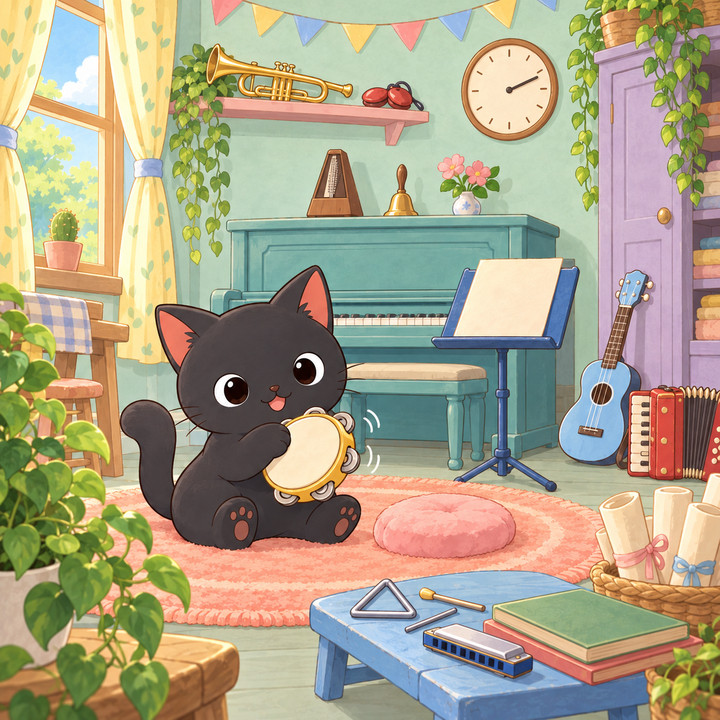
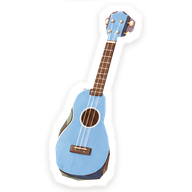
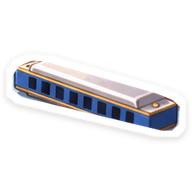
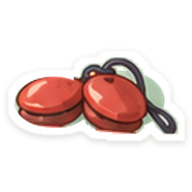
- Find the items shown under “Things to find” in the picture.
- When you spot one, tap it in the picture. A correct find gets a circle, and the item gets a ✓.
- Wrong taps cost nothing and there is no limit. Find them all to clear the puzzle.
- Stuck? Press “💡 Hint” and the rough area (about a quarter of the picture) of an item you have not found yet lights up for a moment.
- You can play with a keyboard too: select the picture, move the crosshair with the arrow keys and tap with Enter or Space.
About records
Only the numbers of the puzzles you clear (for example 001) are saved, in this browser's localStorage under picochest.play.find-it.v1, to show “Cleared”. They are never sent to PicoChest's servers, and PicoChest does not sync them to other devices or browsers. Clear times, hint counts, and which items you found or in what order are not saved. Only if you allow analytics are broad events recorded — that a puzzle was opened, started, a hint was used, or it was cleared (never which item you found, where you tapped, or your clear time). Privacy Policy